Available on the App Store
A clean cellular data tracker for iPhone and iPad.
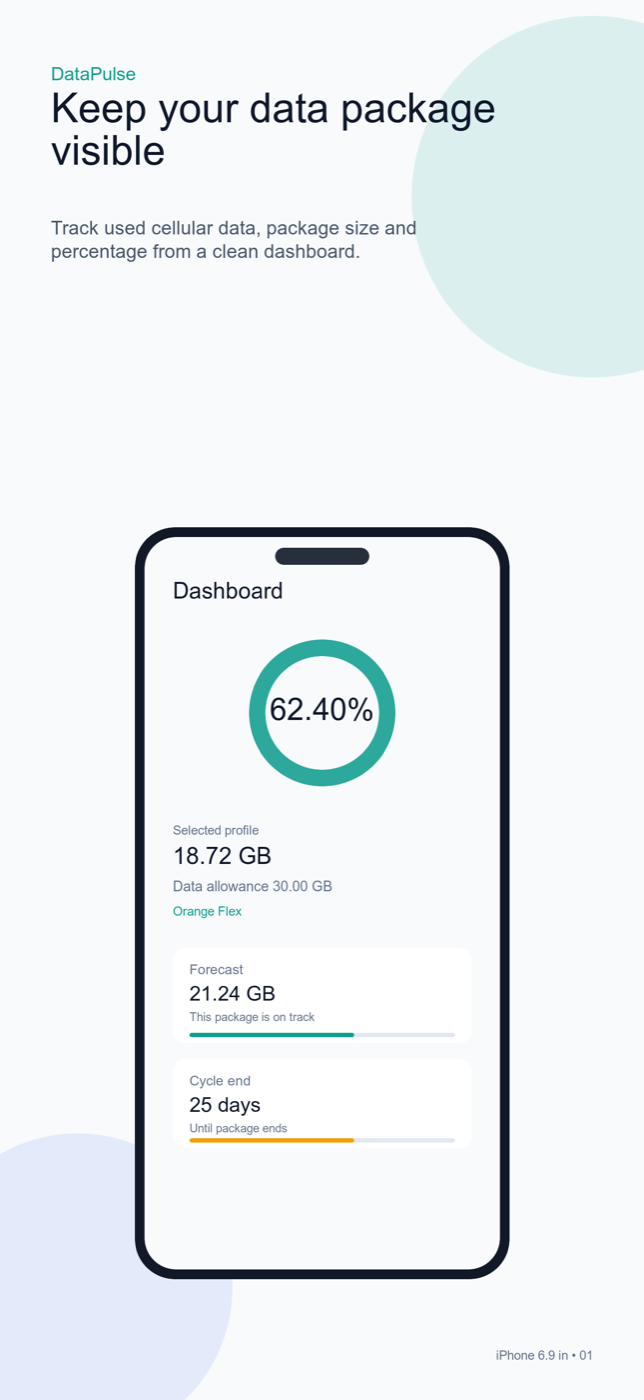
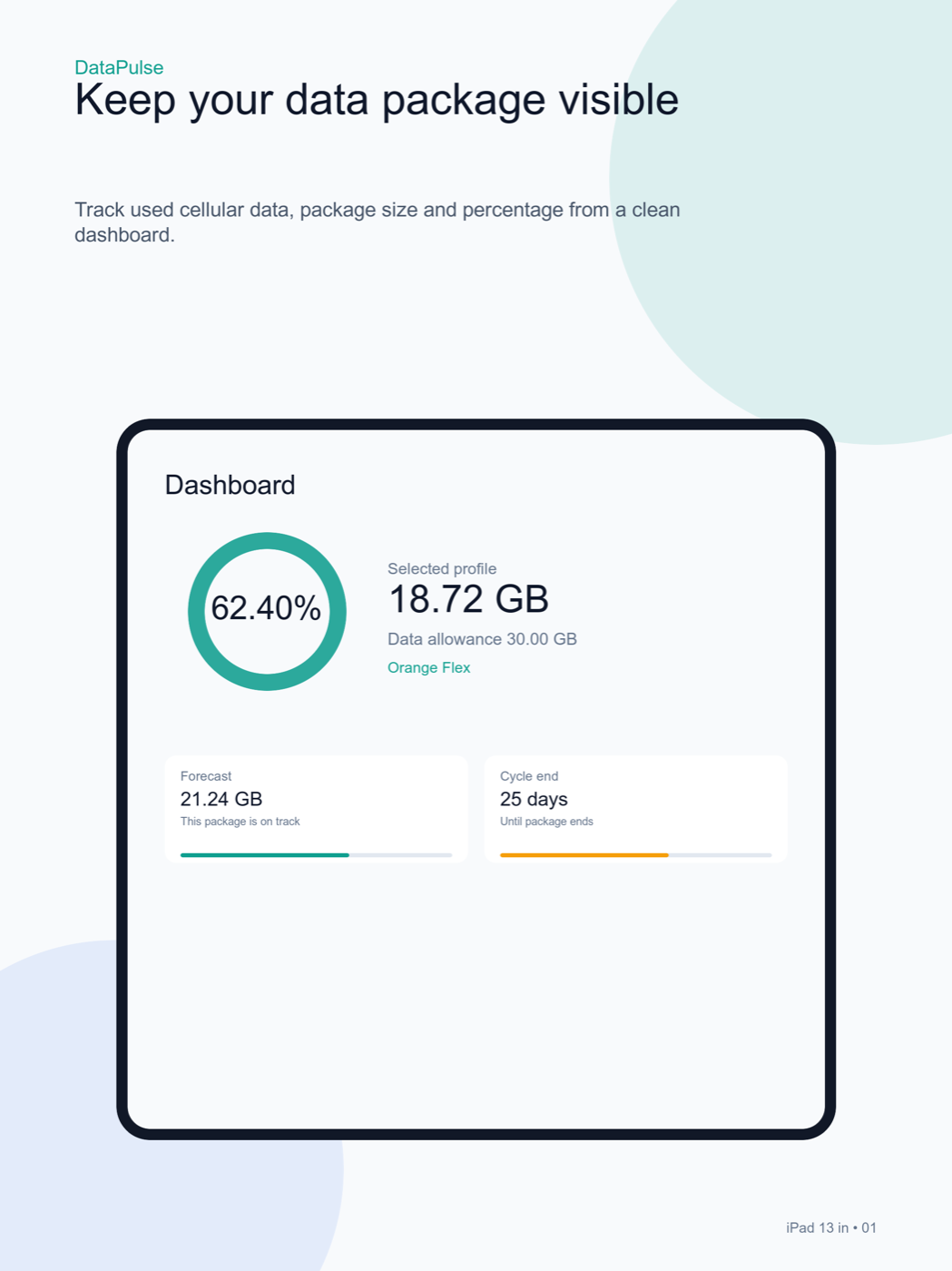
DataPulse helps you watch your cellular data package from the app and Home Screen widgets. Set your package, calibrate usage from a trusted source, and follow cycle progress before the package runs out.
Version 1.0.1 is available to download from the App Store.
App Store
Download on the App Store
DataPulse tracks your cellular data package with clear widgets, cycle forecasts, and calibrated usage history.
 Scan the QR code
Scan with your phone to open the App Store listing.
Scan the QR code
Scan with your phone to open the App Store listing.
Details
Built for everyday data decisions
DataPulse does not present itself as the carrier billing source of truth. The app estimates usage from public network interface counters after user calibration.
A focused dashboard for current usage, included package, percentage used, and days left in the cycle.
A practical cycle forecast based on the pace since your last calibration.
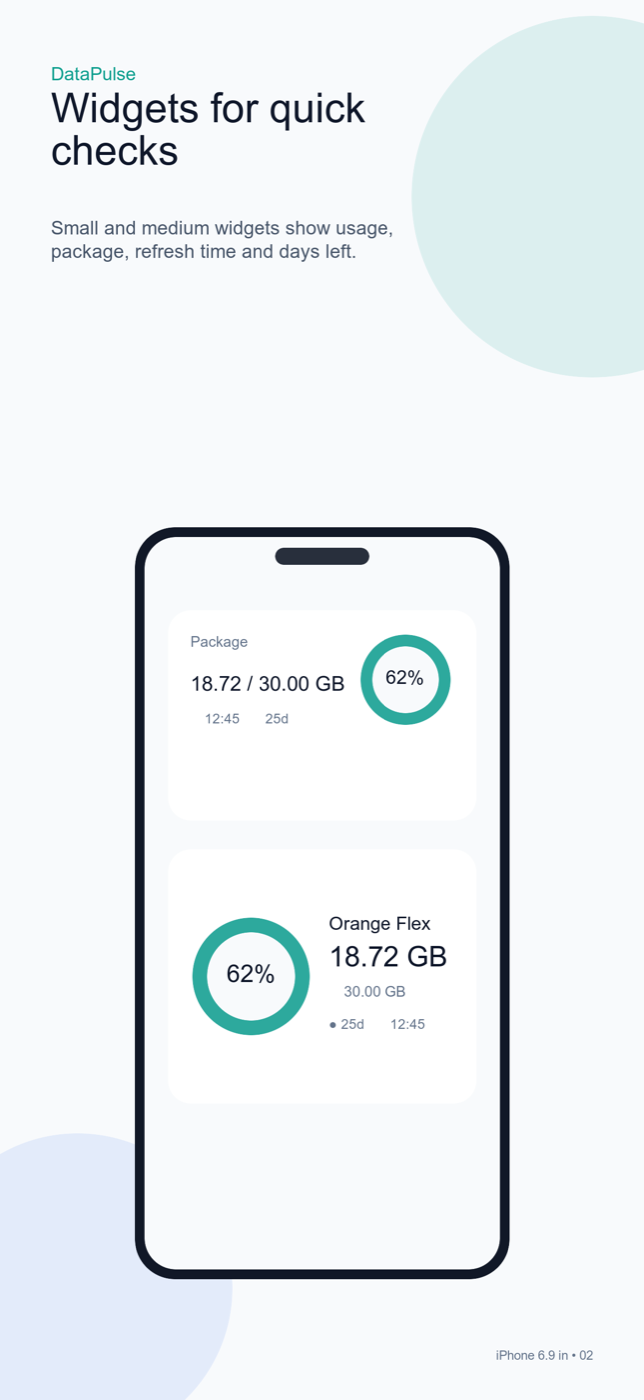
Small and medium Home Screen widgets with warning thresholds and user-defined accent colors.
Local history, iCloud sync, and CSV export for your own notes or plan checks.
Screenshots
DataPulse tracks your cellular data package with clear widgets, cycle forecasts, and calibrated usage history.
Clear accuracy disclosure
DataPulse does not present itself as the carrier billing source of truth. The app estimates usage from public network interface counters after user calibration.
- iOS and iPadOS do not provide a public API for exact carrier-billed usage.
- The app does not use private APIs and does not read the private iOS Settings database.
- When carrier-level confidence matters, recalibrate with a value from your carrier, SMS, invoice, or iOS Settings.